
5. Moving your old data
This page is for companies coming from another program. You do not have to type everything again. Mistakes are fine — if one row is wrong, nothing at all is saved.
-
Opening balances (receivable, payable, accounts)
Open Master data → Move old data → Opening balances and download the form. It has two sheets: partner balances (receivable `ar`, payable `ap`) and account balances (cash, bank, capital…). Pick one balance date, fill it in and upload: you always get a preview first. To save, “receivable + debit” must equal “payable + credit”; otherwise we show you the difference. When it saves, each partner gets an opening invoice, so ageing and payment matching work from day one. Do not list stock — it came in block 2.
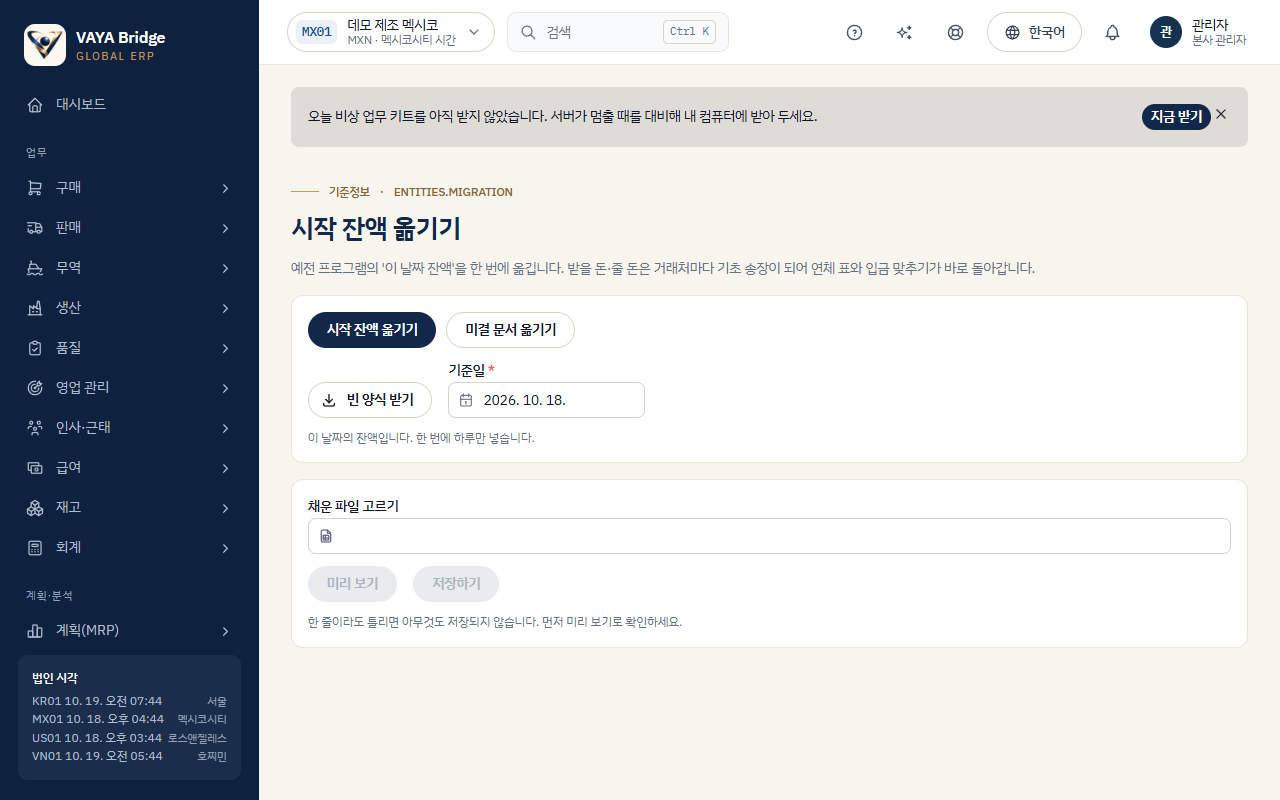
The opening balances screen -
Open documents (orders not finished yet)
On the same page open Open documents and download the form. Write only the remaining quantity — what already arrived or shipped is finished. Uploading creates real purchase orders and sales orders, up to confirmed. No stock moves (they are promises). Receiving or delivering then continues as normal. The old document number is kept as a reference and ours is issued fresh. Do not list unpaid invoices here — they come in from the previous step.
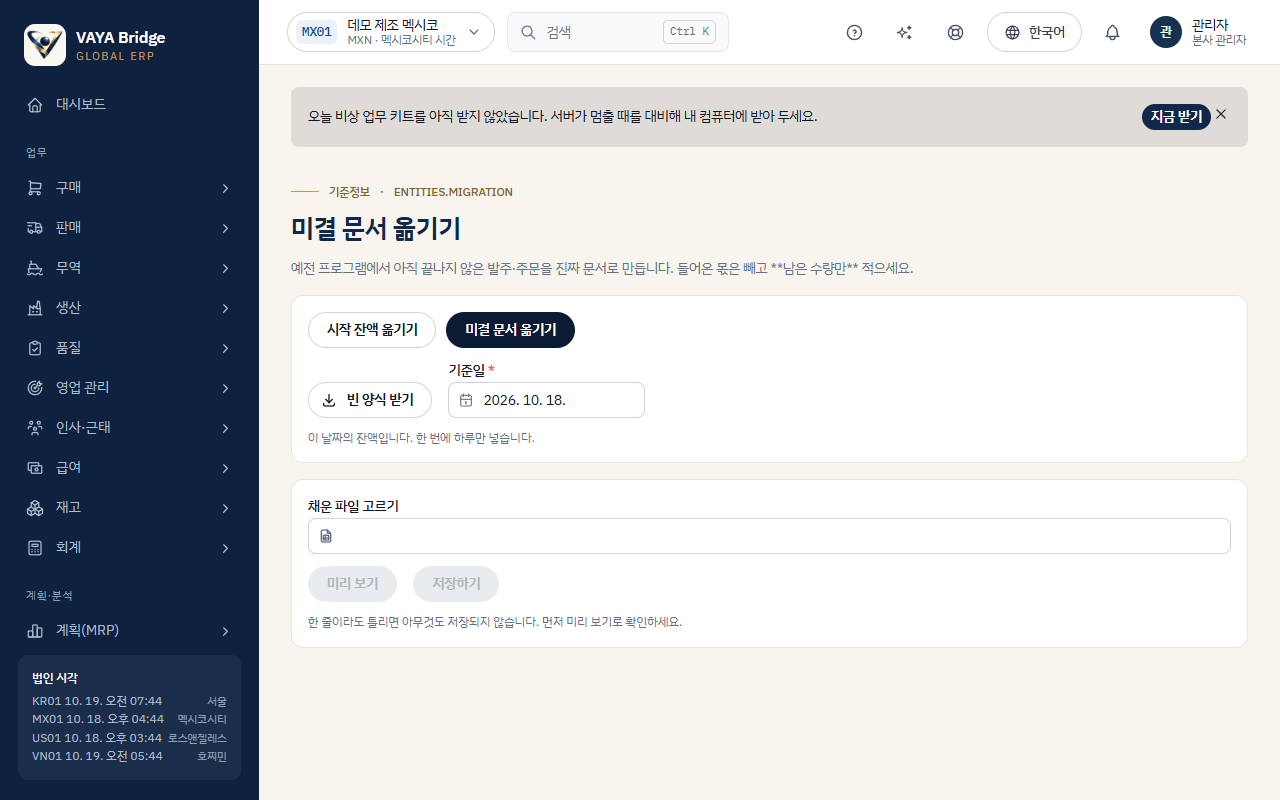
The open documents screen