
1. First sign-in and two-step verification
When you sign up you get your own address (for example `yourcompany.vayabridge.com`) and the first administrator account.
-
Open your company address and sign in
Type the address from your sign-up mail into the browser and sign in with your user name and password. Pick your language at the top right — every person can have their own.
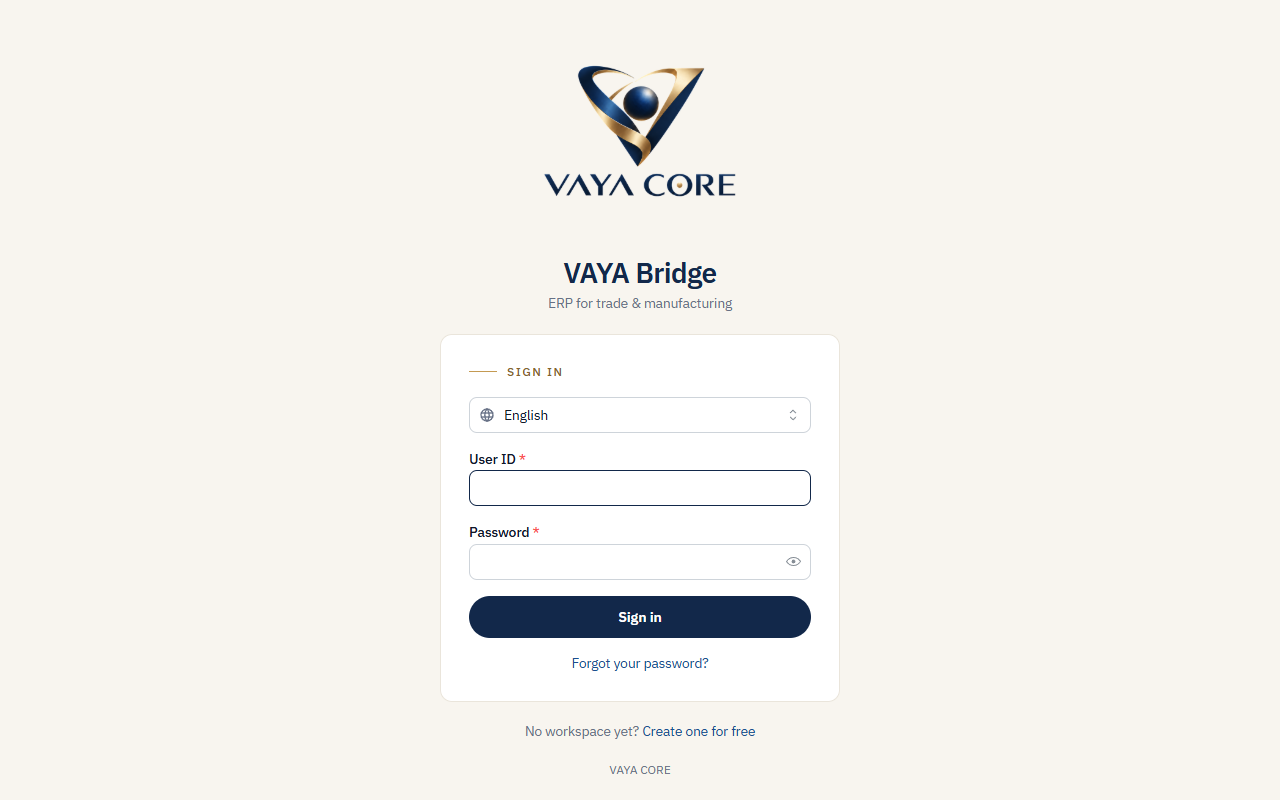
The VAYA Bridge sign-in screen -
Turn on two-step verification (required for administrators)
The first time an administrator signs in, the two-step screen comes up straight away. Scan the square with an authenticator app (Google Authenticator, Microsoft Authenticator…) and type the six digits it shows. Then write down the 10 recovery codes on paper — they are the only way in if you lose your phone. From then on every sign-in asks for the six digits, as in the picture.
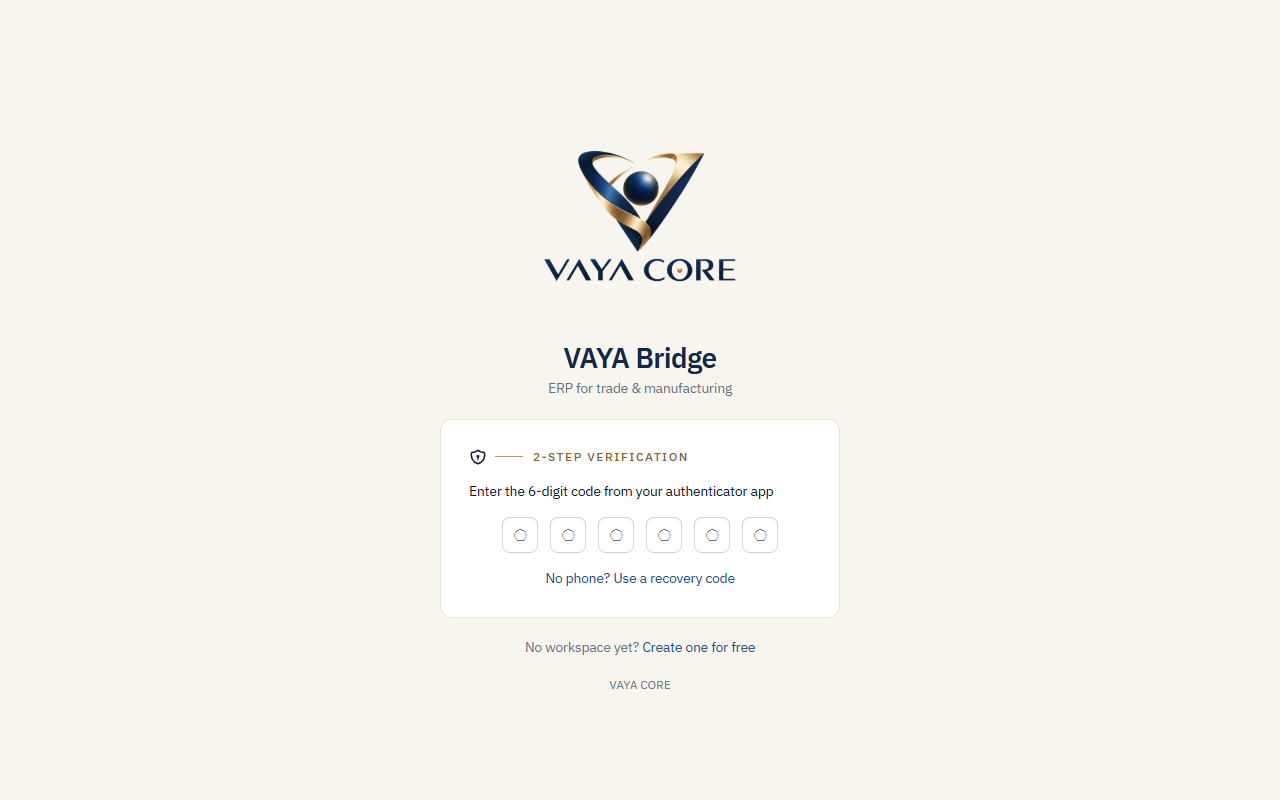
The two-step code screen