
3. A working day: from order to invoice
Each document has a button to make the next one, and the lines come along. You never type them twice.
-
Purchase order
Enter the supplier, items, quantity and price, then confirm. Only a confirmed order can move on. You can print it in the supplier's language.
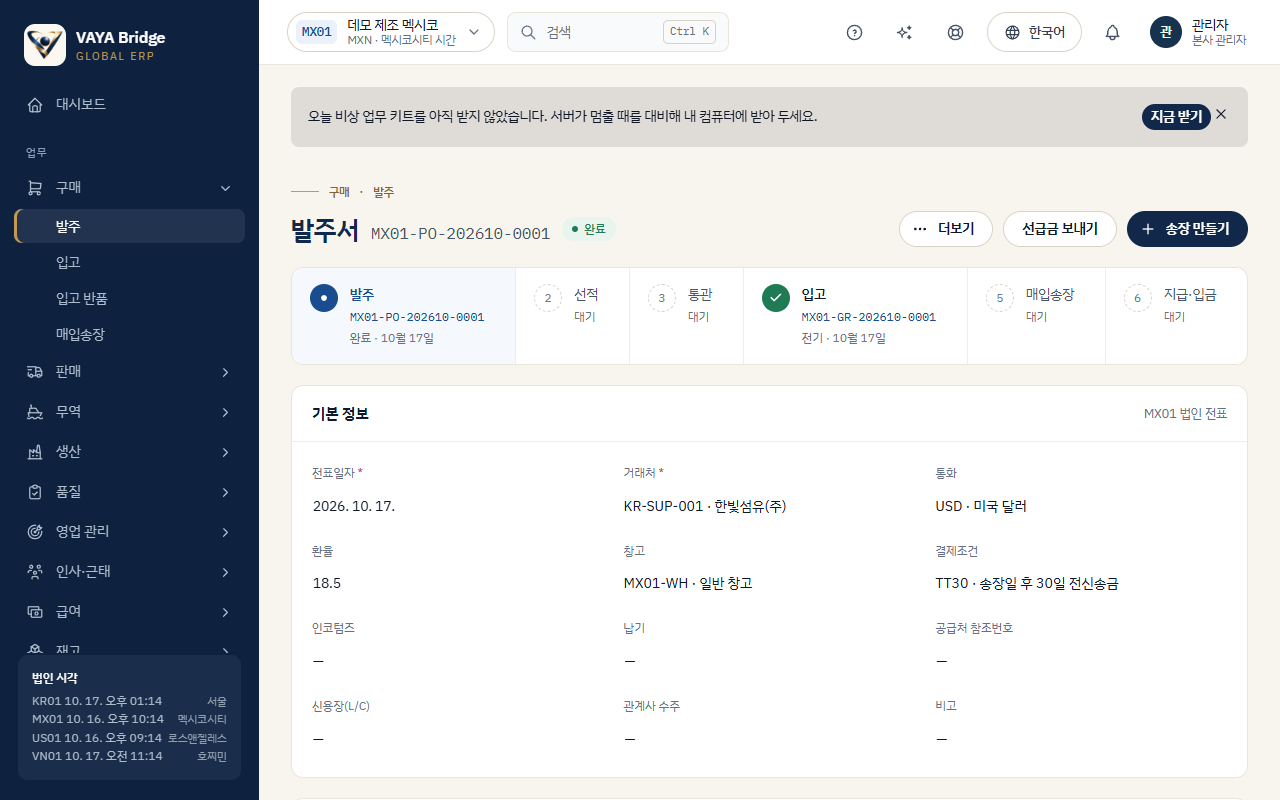
The purchase order screen -
Goods receipt
When the goods arrive, press make receipt on the order. Fix the quantity if it differs; stock only goes up when you post it.
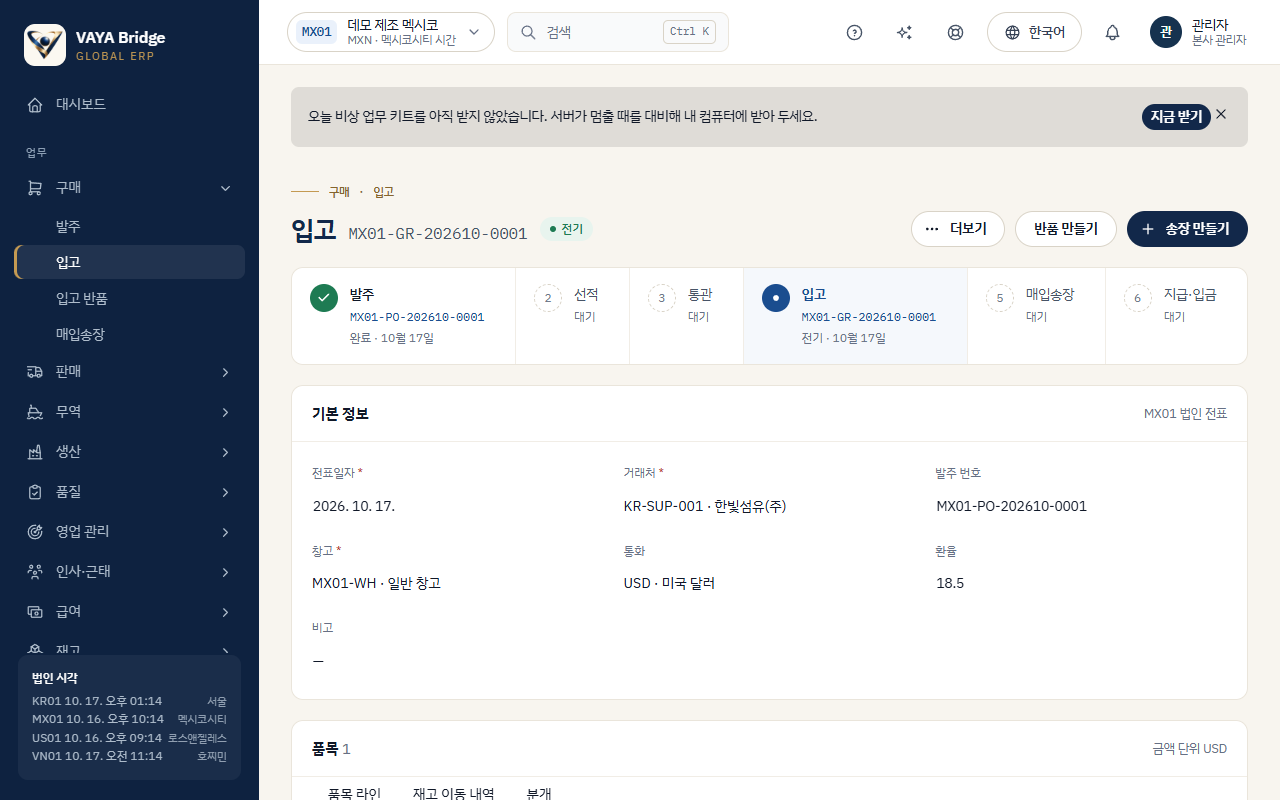
The goods receipt screen -
Production
A work order works out the material it will use from the bill of materials. On the floor people report output from a tablet with just a PIN.
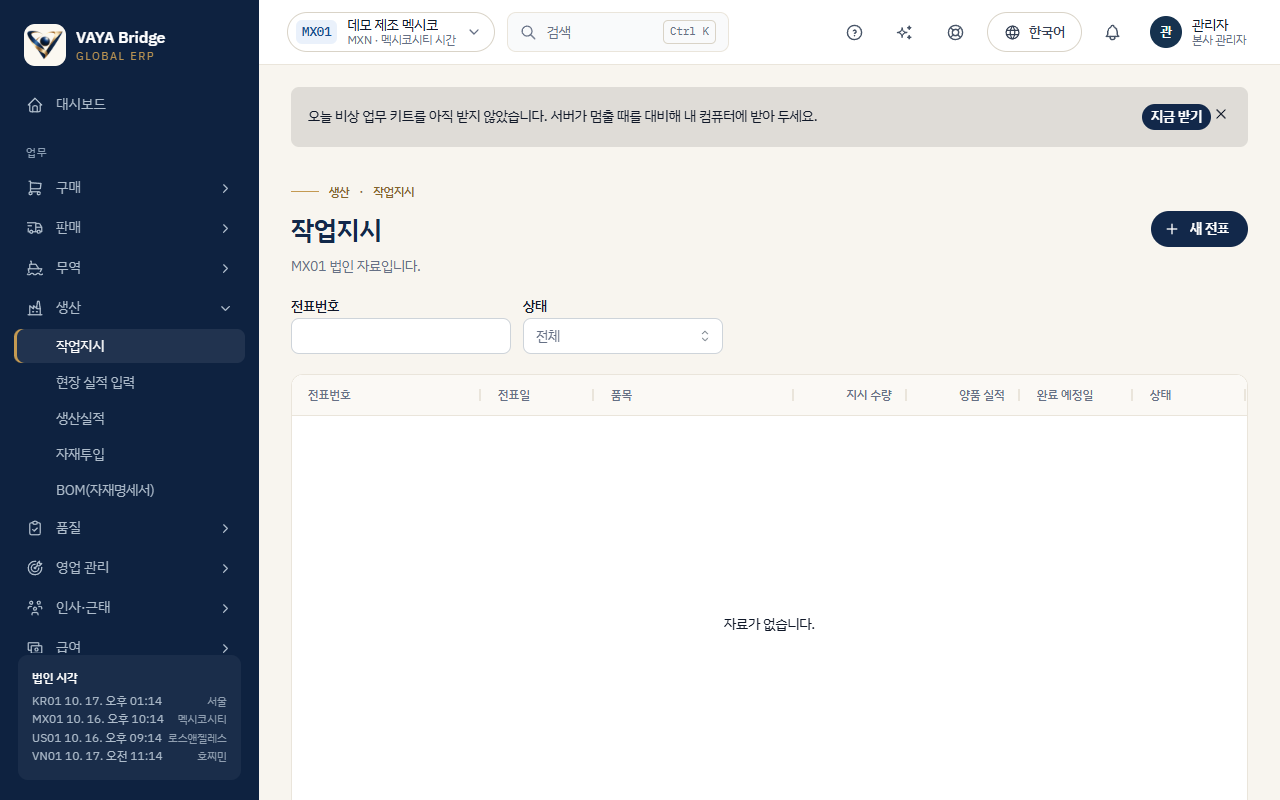
The work order screen -
Delivery
From the sales order press make delivery; posting it takes the stock out. The delivery note prints quantities only, no money, with a box for the receiver's signature — it is the paper that travels with the truck.
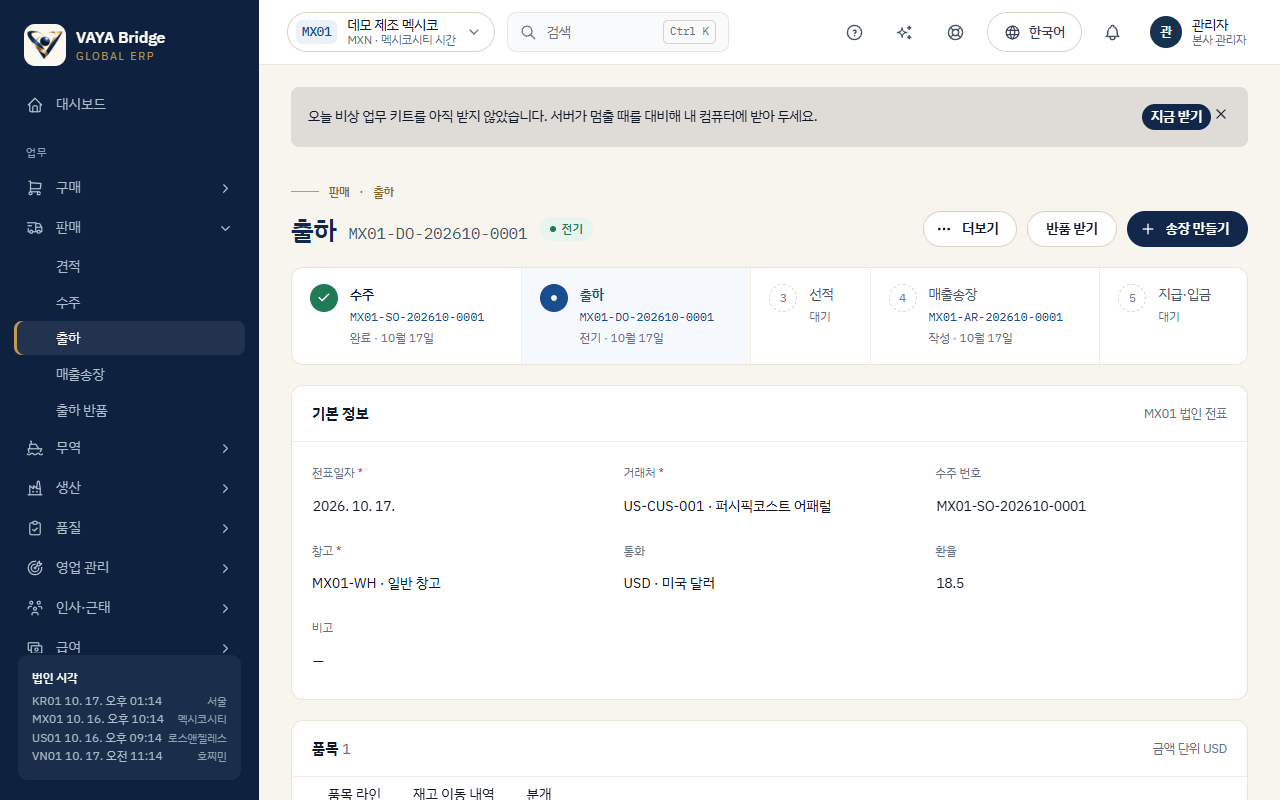
The delivery screen -
Sales invoice
From the delivery press make invoice. Posting it books the sale and the receivable. In Mexico this paper is not a CFDI, and it says so at the top.
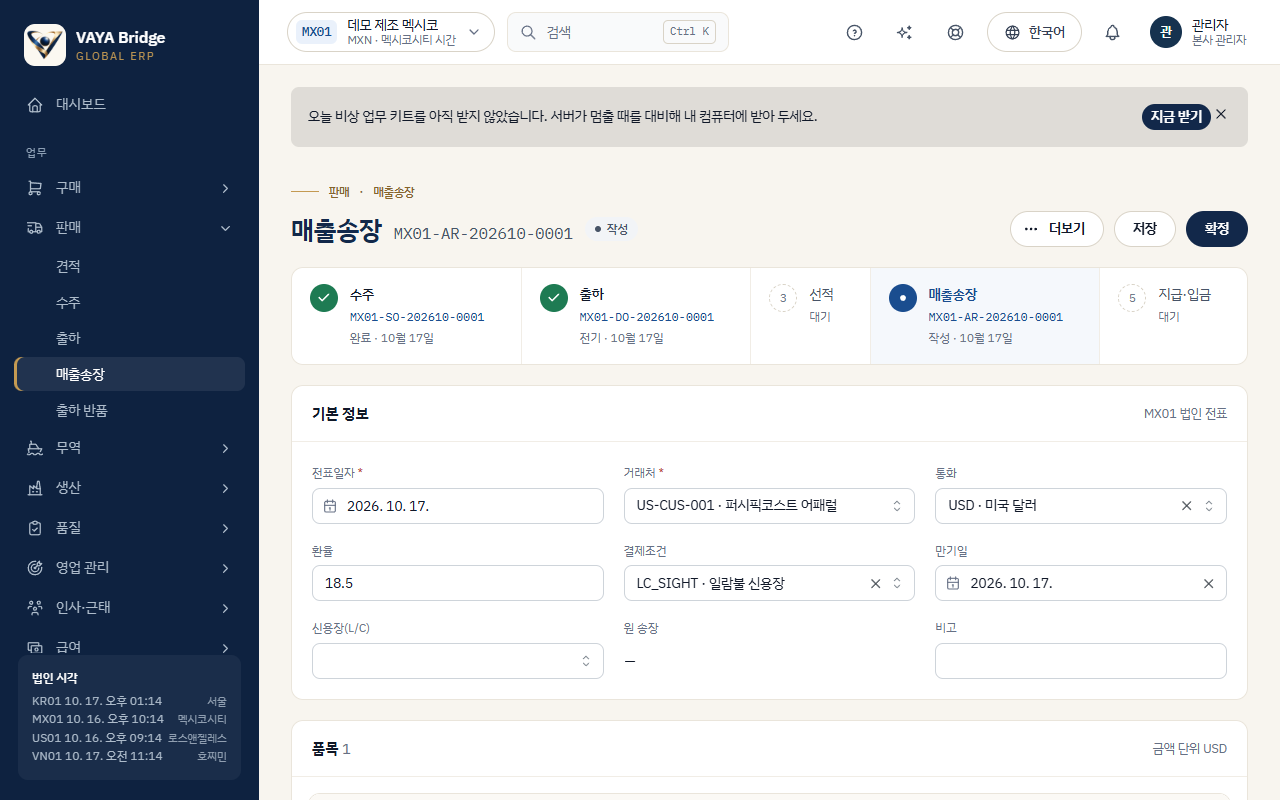
The sales invoice screen